If a player arrives late
A game closes to new entrants after its first official ball. A late arrival can join remaining eligible games in the schedule.

Our products / BOB Live Bingo
BOBLIVE BINGO
An animated host on your venue screen. Bingo cards on your customers’ phones. Everyone following the same scheduled game, with prizes to play for.
Eligible members join for free at participating locations. Their six cards mark the official calls automatically; when a card completes the required pattern, the player presses Claim.
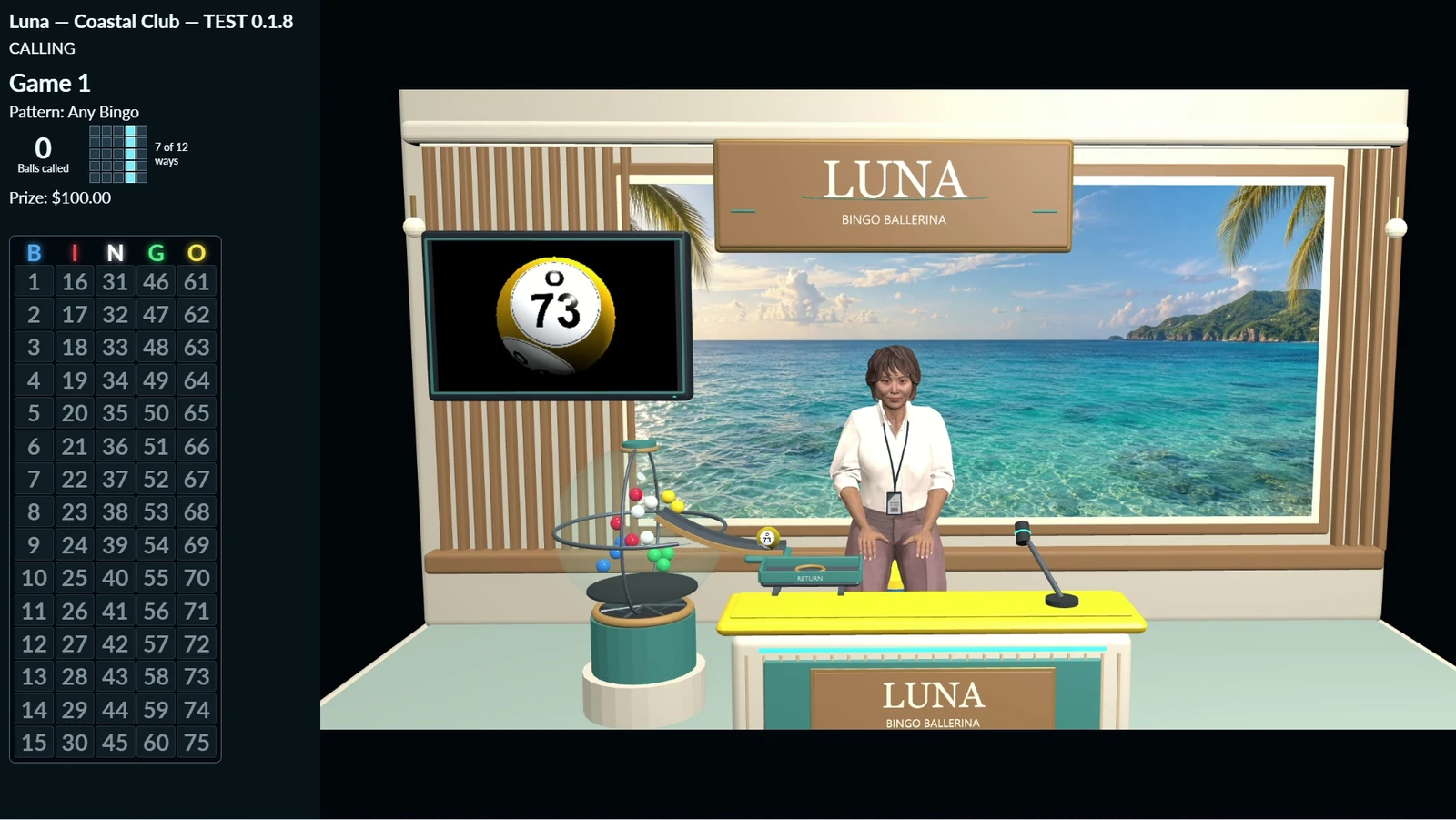
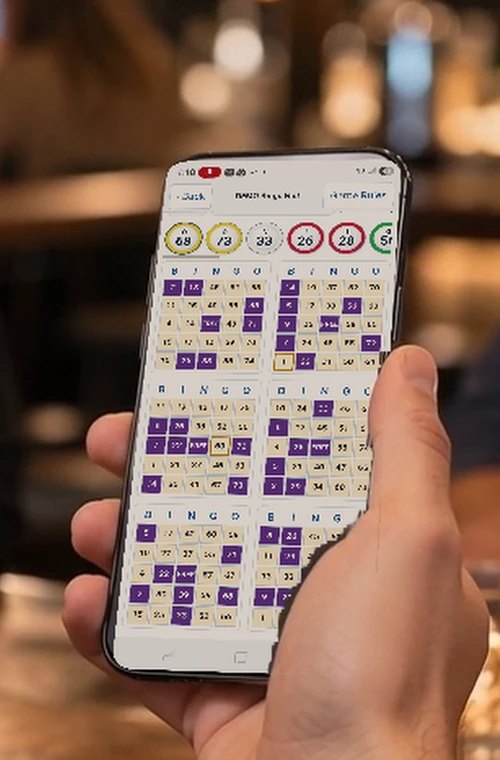 IN THE PLAYER’S HANDS
Free entry for eligible playersParticipation at enabled locations
Six cards for the scheduleAutomatic marking · Player claims
One location or severalParticipating venues can share a game
FROM EVERYDAY SCREEN TO GAME NIGHT
Your screen can carry local advertising during the day, then introduce the host for a scheduled bingo event. Customers join on their phones, follow the calls together and watch the winner acknowledgment on the shared display.
Rotate venue messages and local advertising, then let the scheduled presentation bring attention back to the screen.
The host, official calls and winner presentation give the room a common event while each player follows their own cards.
Promotional people and venue scenes are illustrative, with genuine recorded software screens. Displayed amounts are examples, not current prize offers.
A HOST WITH A PERSONALITY
The host welcomes the room, presents official calls and acknowledges valid bingos. BOB brings a robot’s dry humor; Luna brings the theatrical personality of the Bingo Ballerina. Explore the recorded host previews and hear their original voices.
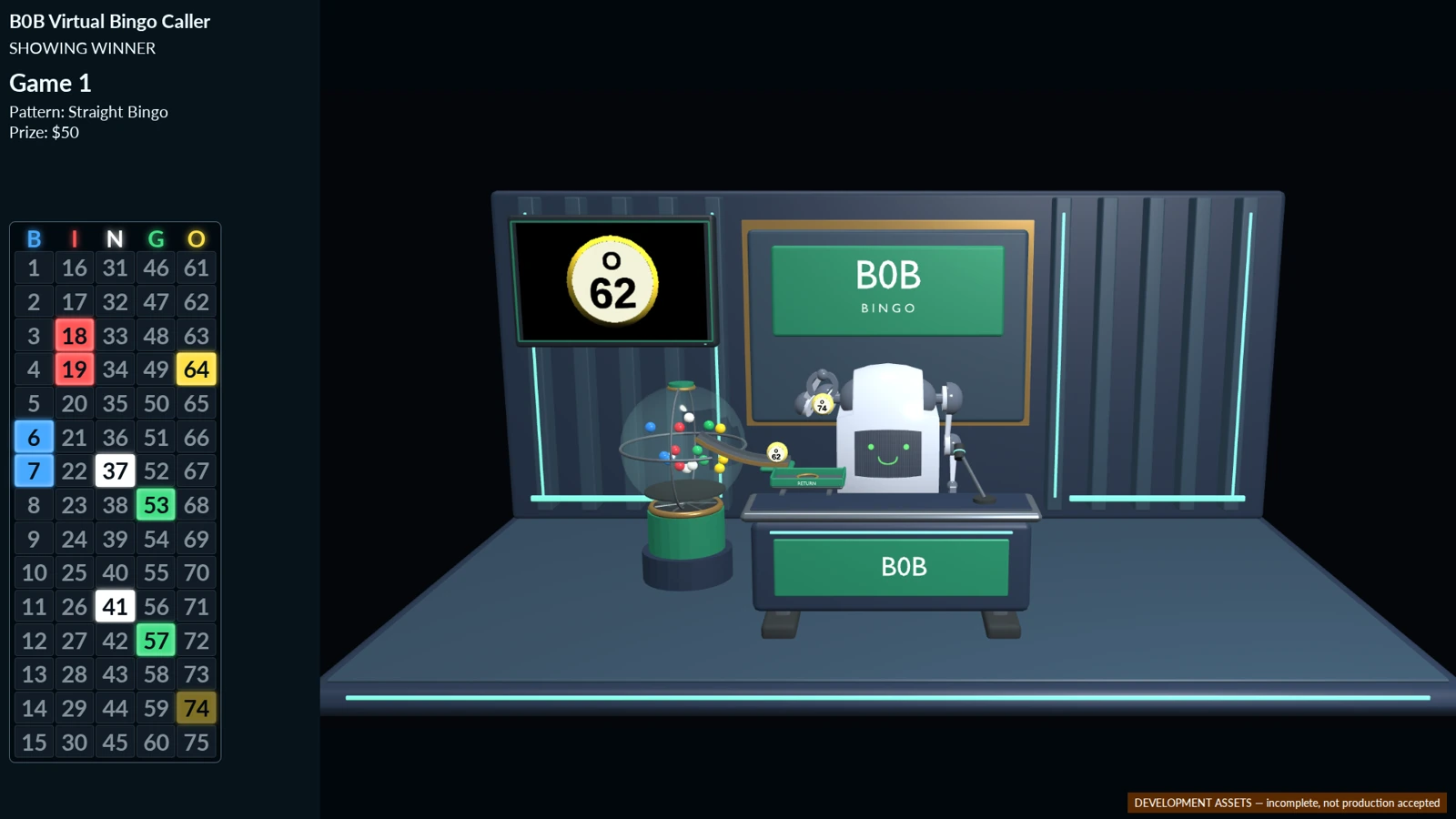
BOB
The smiling robot at the desk gives BOB its recognizable character. Spoken welcomes and remarks sit alongside the callboard, number presentation and game information.
“Welcome. Bring your curiosity.
Mine came preinstalled.”
LUNA — BINGO BALLERINA
Luna’s stage personality adds playful observations and an expressive welcome to the same live-game framework. Her coastal presentation is shown in the venue film above.
“Welcome, everyone. Luna is ready, and tonight’s bingo games are about to begin.”
Your demonstration confirms the supported host package, stage, equipment and rollout for your location. Preview imagery does not imply every host or stage is available in every installation.
THE PLAYER’S SIDE OF THE GAME
BOB brings the scheduled game into the member experience. Players join through their eligible location, receive their cards and follow the same official calls as the venue display.
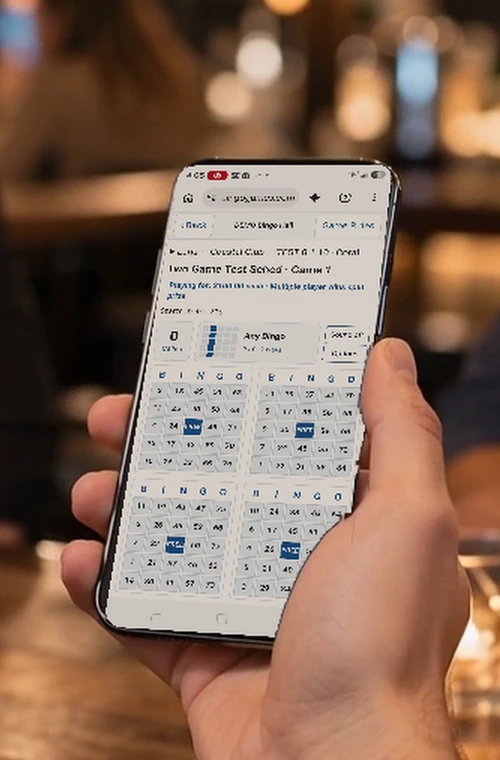
Original phone-play captures in illustrative player scenes.
The member enters through the location-based member experience and sees the next eligible schedule. Current BOB play starts with free enrollment; it does not sell bingo cards.
Each enrolled player receives six bingo cards, also called faces. The same faces remain through that schedule, with their marks cleared between games.
Cards automatically mark official calls. When a face qualifies for the required pattern, the player must press Claim in time. Automatic marking does not claim bingo for them.
The first valid claim holds further calls while other eligible players have an opportunity to claim on that same last call. Confirmed winners receive the game’s configured award.
A game closes to new entrants after its first official ball. A late arrival can join remaining eligible games in the schedule.
Refreshing or reconnecting restores existing enrollment and cards. The marks catch up; an expired claim opportunity does not reopen.
Participation and claims remain tied to the eligible location. Remote member-account access is a separate service, not permission to play BOB from home.
BUILD YOUR GAME-NIGHT PROGRAM
Start with your location, audience and events. Select participating locations, scheduled games, prize types and the supported host presentation. Then decide how the venue screen and member tools fit into the experience.
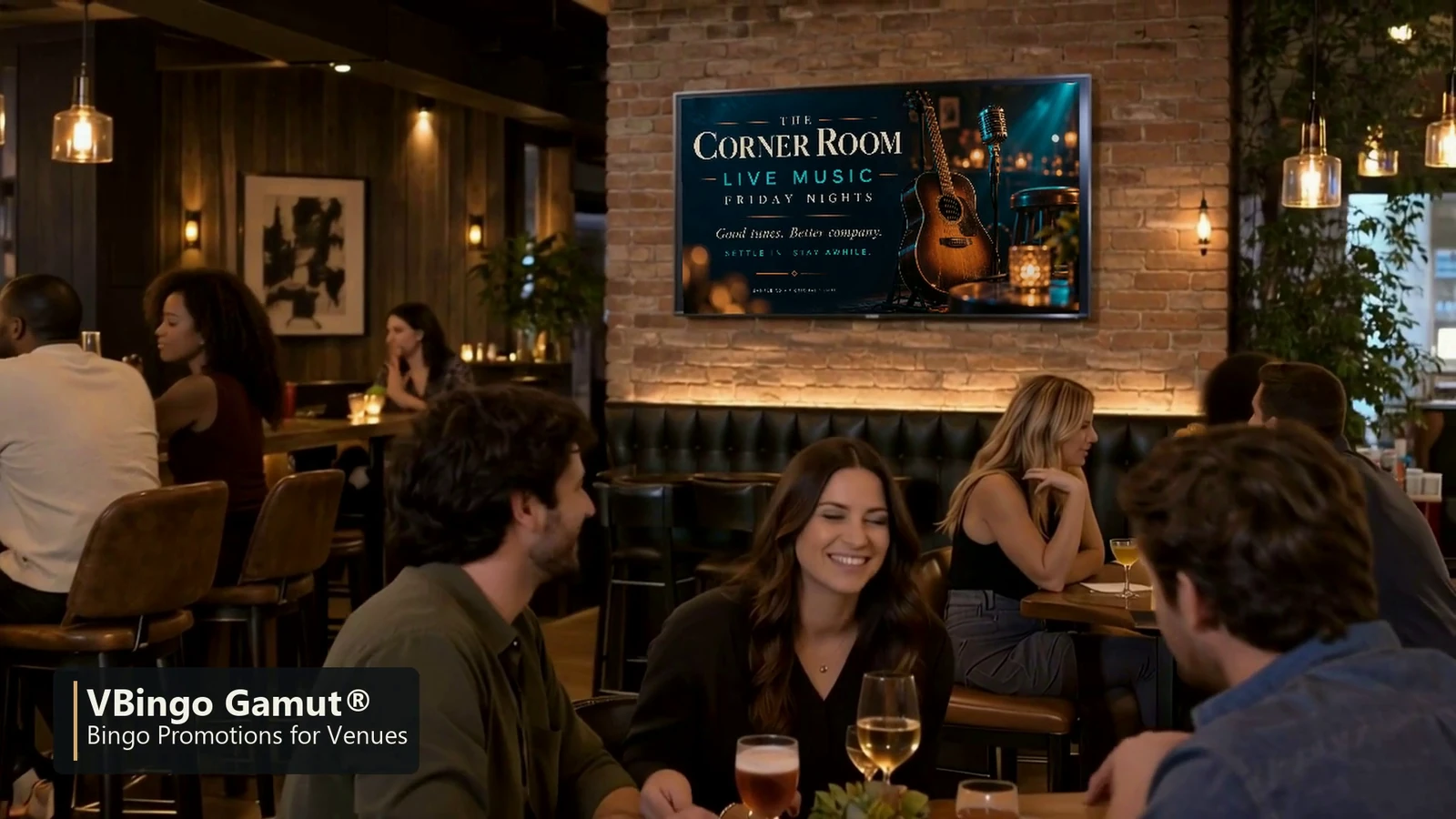 EVERYDAY ADVERTISING
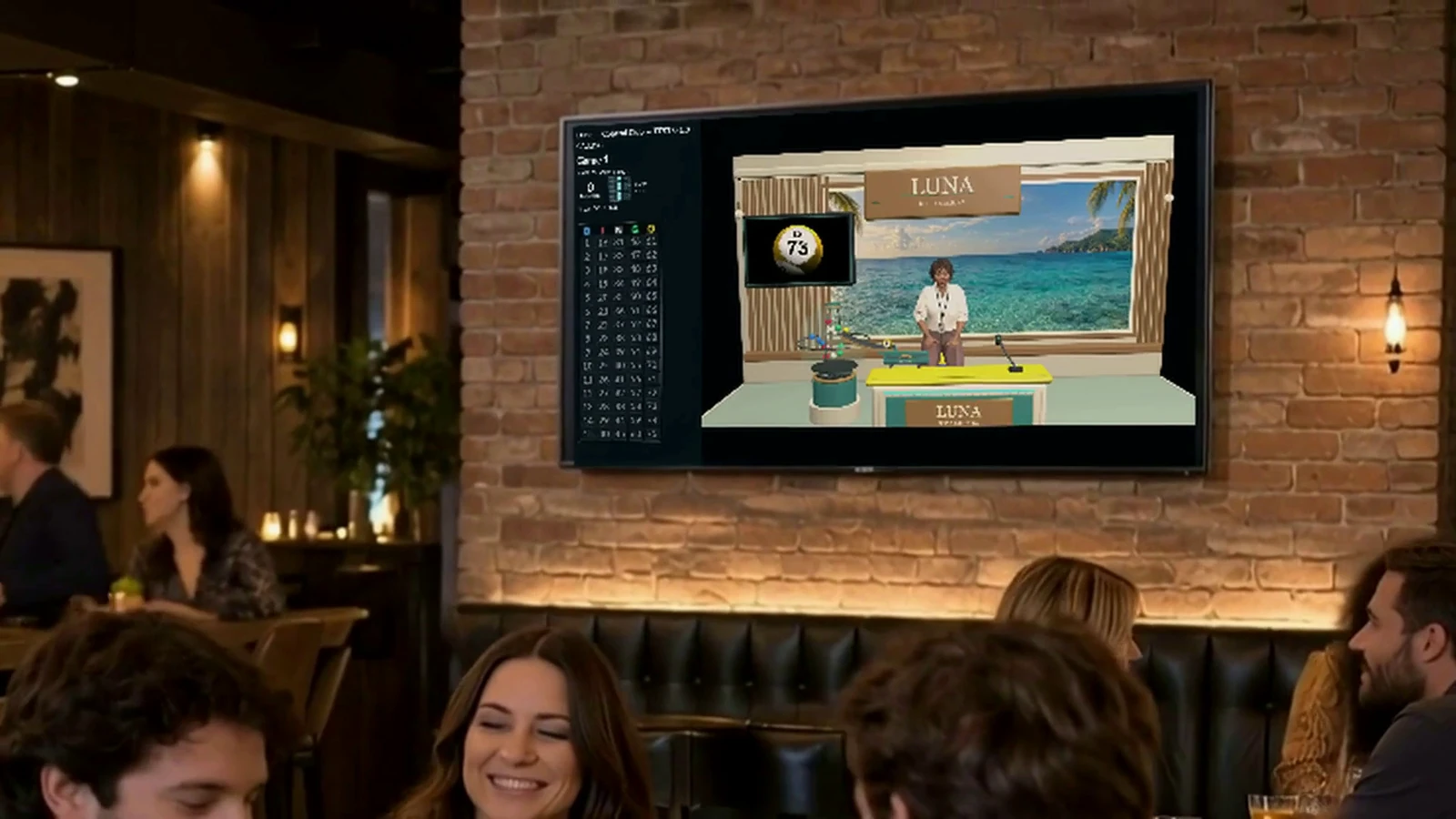 SCHEDULED BINGO
“Free” describes the current player-entry model, not the venue’s service cost. Entry conditions, prizes, participating locations and linked promotions still determine the program review.
CHOOSE THE CONNECTIONS THAT FIT
BOB can be the scheduled event you offer at a location. Tornado and Bingo-Opoly® are optional connections, with their own experiences and rules. You do not need to offer every product to build a useful program.

Choose a Bingo-Opoly chance as a game prize. After the BOB award is finalized, the supported issuance process creates the winner’s chance on the board associated with their enrolled playing location.
Chance issuance can be automatic where configured or handled by staff. The chance then follows Bingo-Opoly’s matching, property, rent and prize rules.
Explore Bingo-OpolyMEMBER REWARDS
A configured member-reward prize gives each confirmed winner one whole issued reward. Its usage rules determine whether it provides an eligible Tornado benefit, online quantities or an item redeemed by authorized staff.
Awarding a reward and redeeming it are separate actions. The demo should show the precise benefit and redemption process you want to offer.
Explore member-reward connectionsDISPLAYS & ADVERTISING
The shared display can support advertisements, venue messaging and game presentations. BOB takes priority during an active event when it shares the screen with Bingo-Opoly.
Bingo-Opoly spectator presentations are suppressed during that BOB event; the system does not hold them for a later replay.
Explore advertising optionsA FEW USEFUL DISTINCTIONS
BOB supports two ways to call a shared, scheduled game. In both, the virtual host on the venue screen announces the bingo numbers.
RNG calling: A random number generator selects the numbers, and the virtual host announces them. This path does not require a real live caller.
Live ball calling: A real live caller calls the bingo numbers for the game. The virtual host on screen announces those same numbers to the players.
The member experience runs in a browser. Phones are shown in the current recorded player demonstration; compatible tablet and device arrangements can be checked in your location’s demo along with location access, card readability and claiming.
We’ll help you choose a virtual host, schedule your games and select prizes. During your demo, we’ll review your screen, sound and internet connection, show how members join a game, and explain how your staff help players and handle prizes.
SEE YOUR GAME NIGHT TAKE SHAPE
Request a BOB demonstration covering the venue screen, member entry, a live claim and prize fulfillment. We’ll show the hosts and product connections that fit your location.