Full-screen
Run image or video ads during available screen time when no game presentation is active.

Home / Advertising & sponsorship
ADVERTISING & SPONSORSHIP
Use image and video ads to promote a venue, event or sponsor on participating screens. Choose the locations, dates and screen space for each campaign. Review ads before they run and use delivery reports to see recorded screen plays and airtime.
THREE PLACEMENT TYPES
Run image or video ads during available screen time when no game presentation is active.
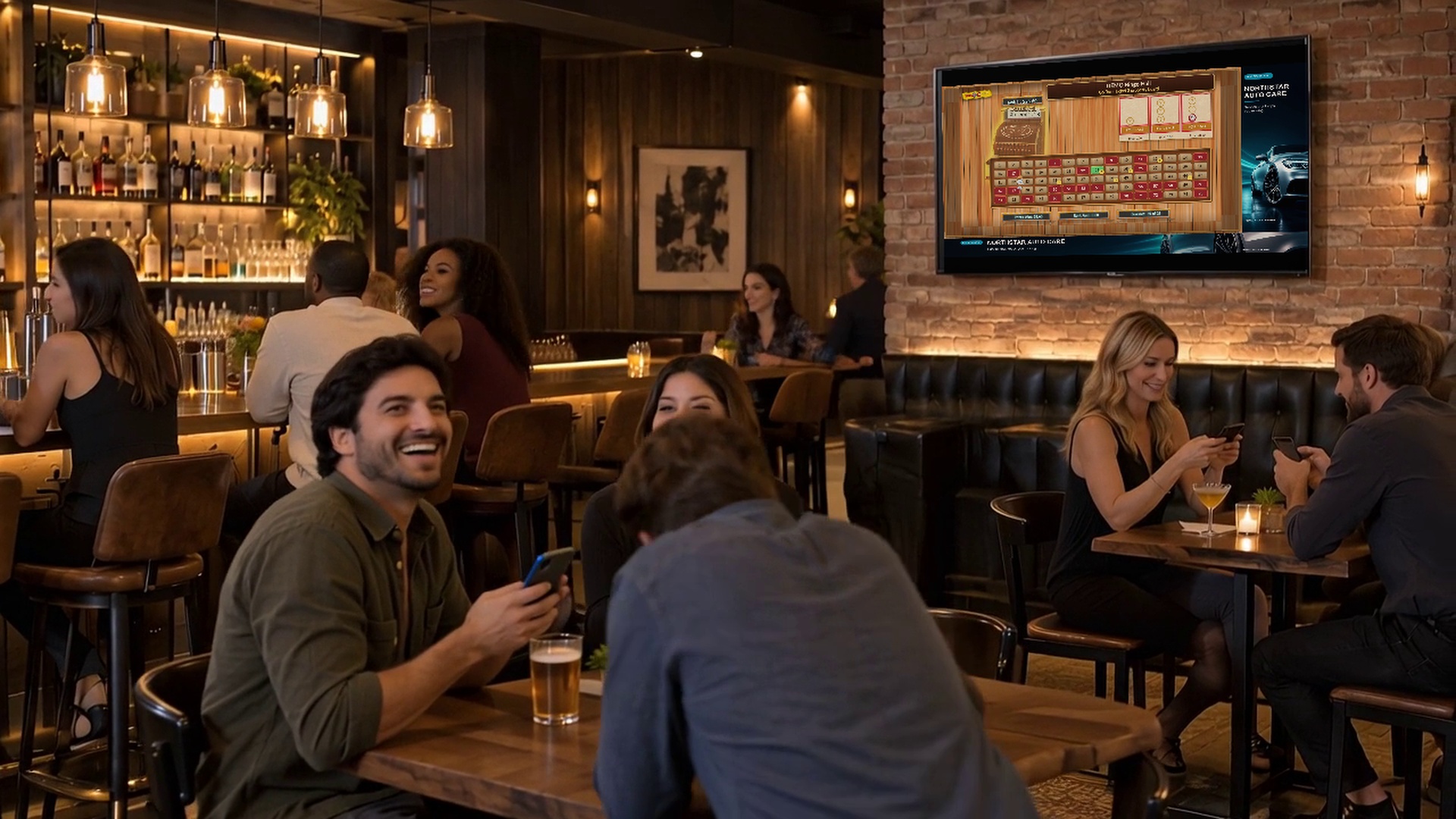
Keep a horizontal sponsor message visible in supported game presentations, when enabled for that game.
Show ads beside the game in layouts that provide a side panel.
Placement availability changes with the game and screen layout. Bingo-Opoly® and BOB can have separate sponsorship settings; a campaign does not automatically appear in every view.
LOCAL OR PROGRAM-WIDE
Build campaigns around specific locations, date ranges and placement packages. Program and location advertising can coexist, with allocation and local control.
Check the image or video format and how often ads are expected to appear before starting the campaign. Then review its recorded delivery.
FROM THE SALE TO THE SCREEN
Define the advertising offer, placements, locations, dates and pricing. Review forecasts and available capacity.
Prepare a quote or order, collect the creative, and approve the material that will appear on screen.
Review the campaign configuration and publish the approved creative for its eligible dates and locations.
Review completed turns, confirmed screen plays and visible airtime. Follow delivery issues and renewal opportunities.
CLEAR EXPECTATIONS
Delivery reporting measures playback activity and visible airtime. These records help connect a campaign with the creative, dates and locations that delivered it.
A recorded screen play is not a measured human impression, unique visitor or sale. Audience estimates and business results should have their own evidence.
Campaign administration and reporting are available through the operator workflow. Ask about your commercial terms, billing process and service arrangement.
CHOOSE THE DISPLAY PROGRAM
Full-screen advertising can run during eligible time when neither Bingo-Opoly gameplay nor BOB presentation is active. Banner and side-panel sponsorship follows separate settings for each game. A location can therefore use a selected game presentation and its advertising settings, or an advertising-led screen program with the appropriate display configuration.
For a group of venues, review the available content, placements and event schedules at each location. Selling a campaign across the group does not make every screen or game layout identical. Define the promised placements and report the recorded delivery for those choices.
Explore venue displays and kiosksREQUEST A PRODUCT DEMONSTRATION
Tell us what you already run and what you want to add. We’ll demonstrate what players and staff do, explain the equipment and available settings, and show any product connections you want to consider.