Fixed or progressive
Choose a fixed-prize board or a progressive arrangement. Set the starting amount and determine whether the progressive has a cap.


Give a bingo winner, raffle winner or other qualifying participant a chance to play Bingo-Opoly®. They pick numbers, uncover properties and try to win prizes—including a PROGRESSIVE jackpot that builds under your program’s rules.
Then the story can keep going. Members can own properties on the game board and receive rent from later play, even when they’re away, under your program’s rules.
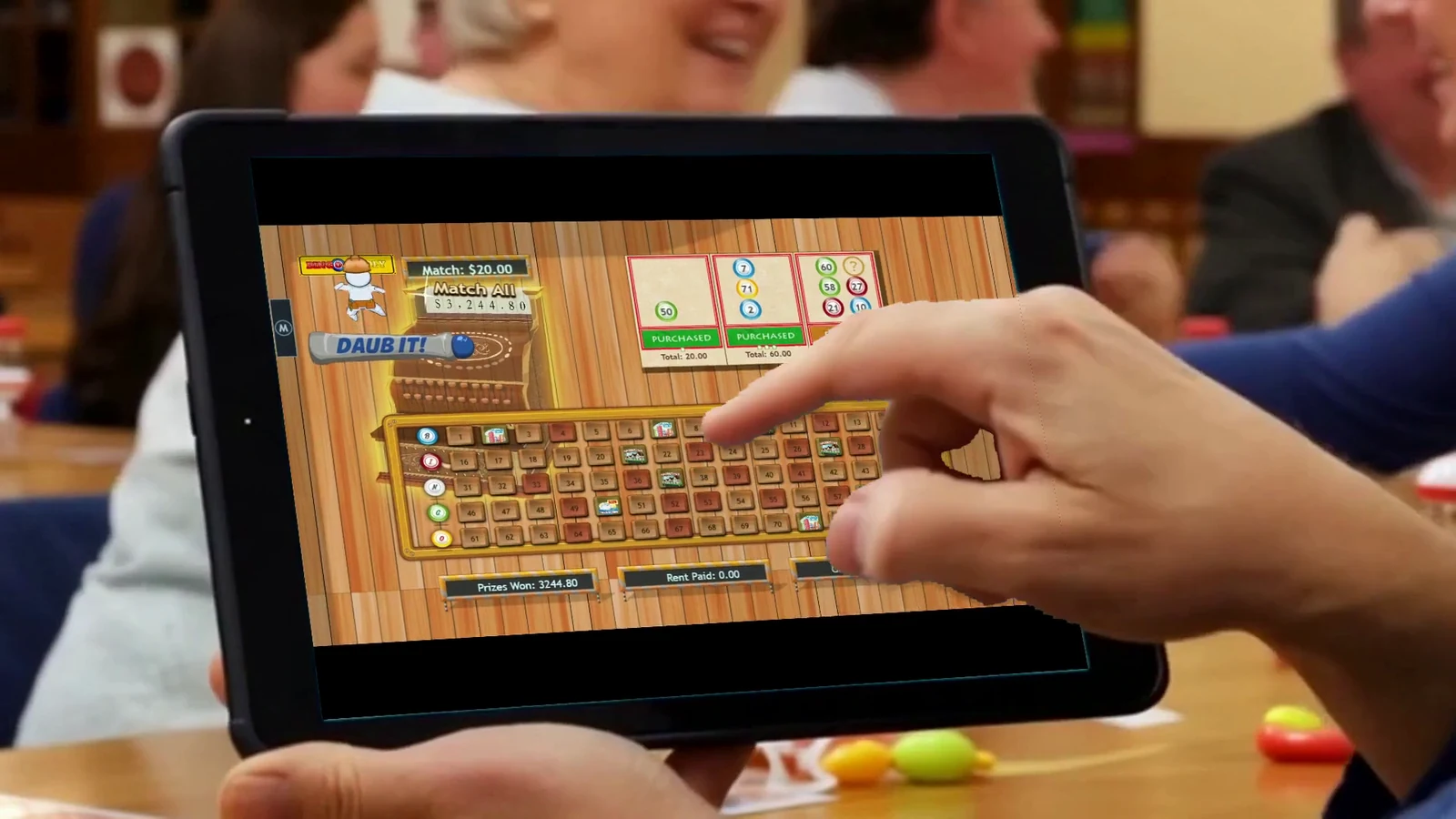

SEE THE EXPERIENCE
A phone can put the chance in the player’s hands. A tablet can become part of a hall’s prize presentation. Add a venue display and the room can follow the number picks, property matches and jackpot reveal.
See phone play, a venue display and the moment a qualifying win becomes another chance.
Follow a qualifying hall win, a tablet handoff, property matches and the progressive jackpot celebration.
Promotional scenes use illustrative people and venues with recorded Bingo-Opoly gameplay. Displayed prizes and balances are demonstration examples, not current offers.
INSIDE A BINGO-OPOLY CHANCE
A “chance” is an opportunity to play the selected board. It presents target properties above a field of 75 numbers. The player uses their allotted guesses to uncover the matches needed for those properties.
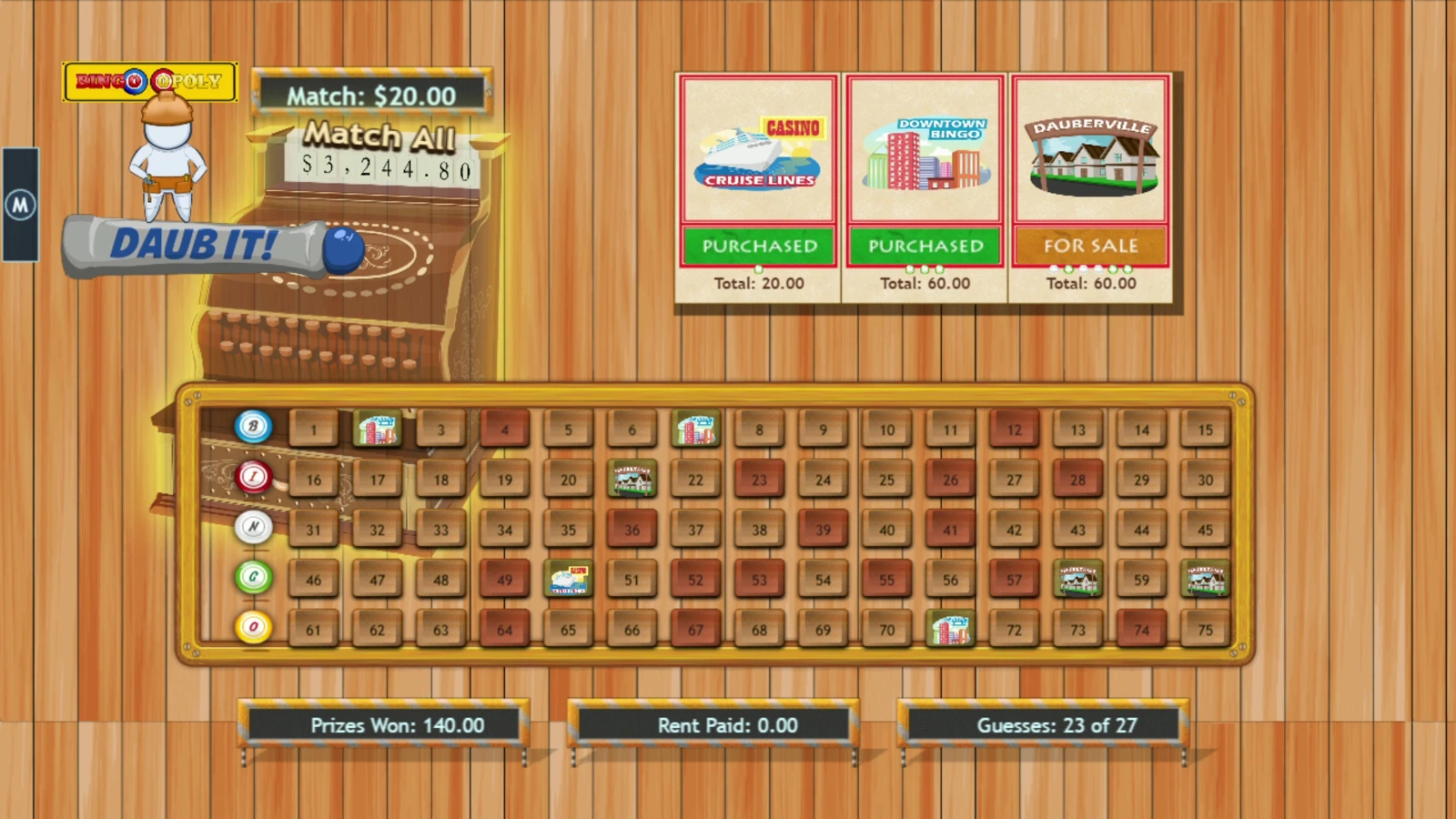
Complete all required target matches within the allowed guesses to win the board’s configured jackpot.
A property may require one or several matches. Its display tracks progress, ownership and the applicable prize or rent.
Choose from 75 positions. A successful pick reveals a property match; further picks may complete the target.
Prize totals, rent and guesses used stay visible. A chance provides participation; it is not a guaranteed cash award.
HOW PLAY BEGINS
Choose which eligible result earns a chance and how it is issued. Bingo-Opoly can accompany a qualifying bingo game, raffle, pull tab, door prize or another approved event. It can also receive chances from supported Mountain Peak product awards.
WELCOME TO THE NEIGHBORHOOD
Dauberville. Downtown Bingo. Casino Cruise Lines. These are properties players uncover on the board—and properties eligible members can come to own. Familiar places give members something specific to follow when someone else takes a turn.
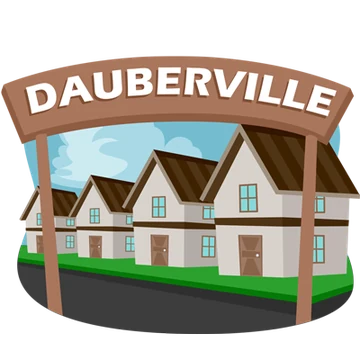
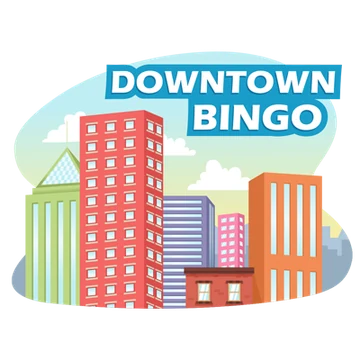







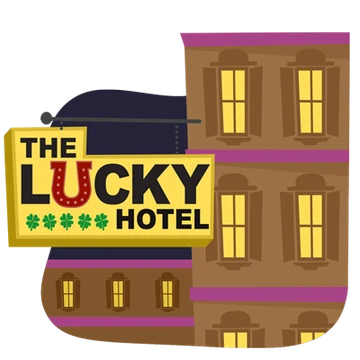
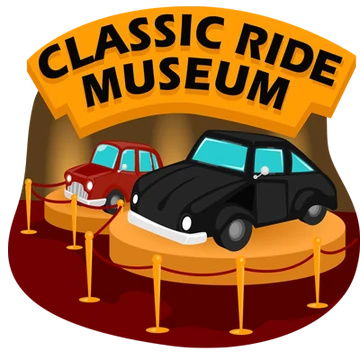

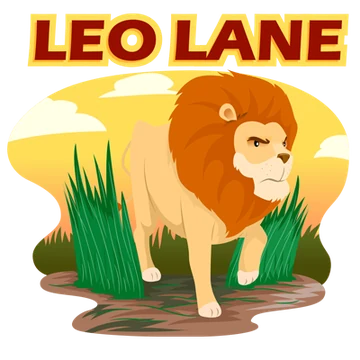
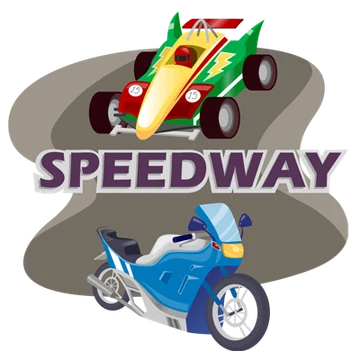






The six featured properties above plus these 46 make up the 52-property collection.
OWNERSHIP CHANGES THE EXPERIENCE
For a member who owns a property, the interest extends beyond their own turn. Later play can generate rent on that property. That creates an ongoing connection between the game board, the member and your location.
OWNERSHIP ON THE GAME BOARDA registered, eligible member completes the required landing on an unowned property. Ownership is recorded for that member on the board.
Another player’s qualifying landing can generate rent for the property owner. Players never pay rent to themselves.
Eligible rent may accrue while the owner is away. Configured text or email notices can alert them, and their online member portal can show properties and rent information.
Guest participation can be offered, but guests do not acquire properties. Member registration connects the person to their properties, account information and eligible rent across later visits.
Rent activity, eligibility to collect and the method of redemption are separate settings. The program defines attendance, expiry and collection conditions. The portal provides account access; it does not by itself enable remote prize play or cash payout.
BUILD A PROGRESSIVE JACKPOT
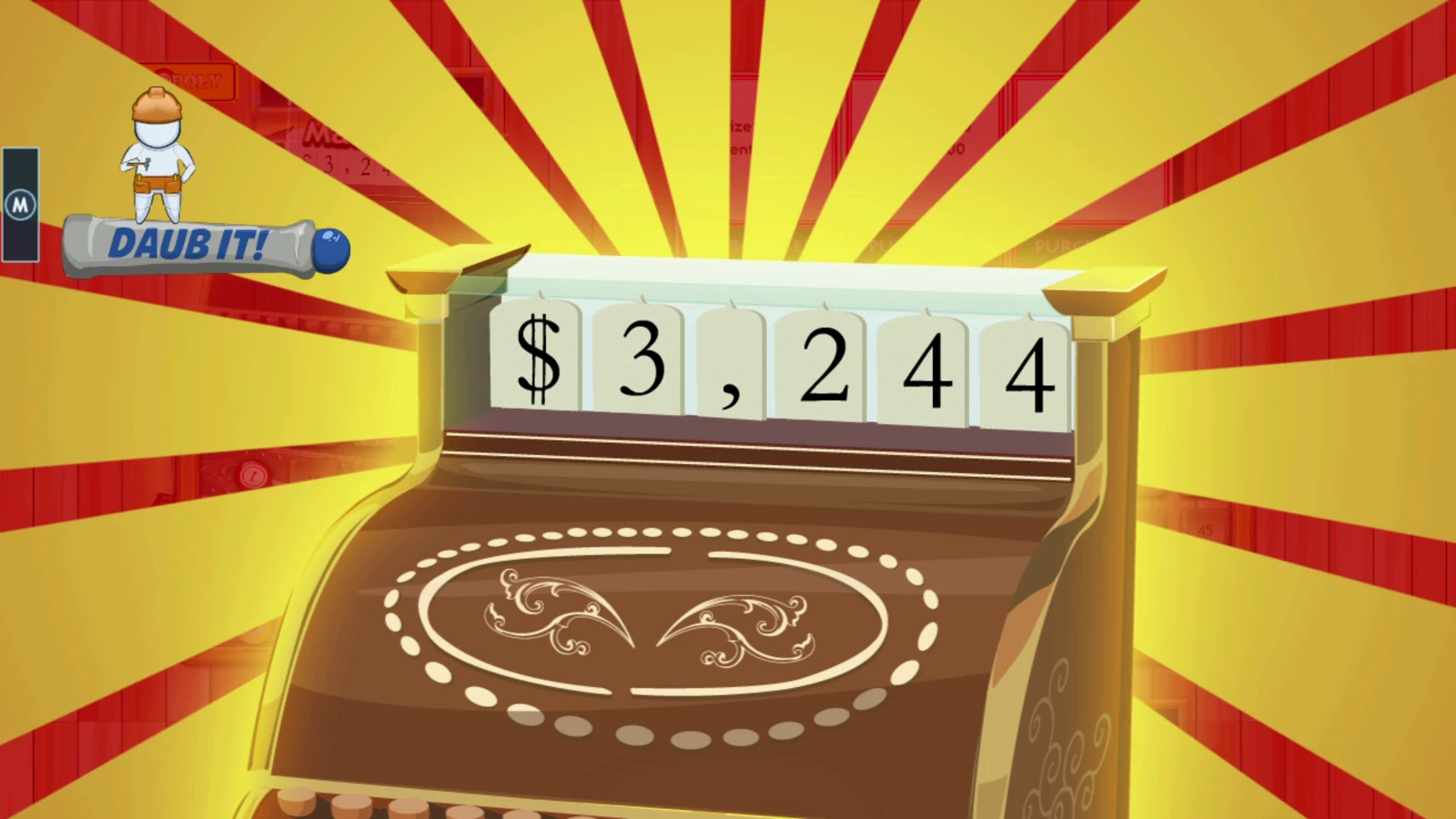
A progressive jackpot is a central attraction of Bingo-Opoly: the prize builds under the selected board’s rules, giving players an amount to follow across qualifying games, sessions or promotions. Bring eligible events together around a shared progressive, or use separate boards and prize funds for different games or sessions.
Choose the starting amount and whether to set a cap. Fixed-prize arrangements are also available.
Property prizes and the jackpot are distinct parts of play. Players work toward individual targets; completing every required target within the available guesses can win the jackpot.
PUT THE PIECES TOGETHER
Begin with how your location already operates. Choose the qualifying events, the way players participate, and the ownership and prize arrangements. Bingo-Opoly can stand on its own or connect with other products where useful.
The qualifying event, entry conditions, prizes and location determine the appropriate operating review.
OPTIONAL PRODUCT CONNECTIONS
You can add Bingo-Opoly to eligible events without a Tornado installation or a BOB Live Bingo game. When you use those products, supported awards offer additional ways to create chances and connect member benefits.
Supported Tornado pattern awards can issue a Bingo-Opoly chance. A scheduled Tornado tournament can also pair a finishing-place member reward with a chance on a selected Bingo-Opoly board.
At tournament closing, the member receives the reward and a separately created chance. Redeeming the member reward is not required to release that chance.
Explore tournament awardsBOB Live Bingo can use a Bingo-Opoly chance in its own prize setup. The chance is issued through the supported award process and then follows the selected Bingo-Opoly board’s rules.
The prize connection and the shared-screen presentation are different choices. A location can select the combination that suits its events.
Explore BOB Live BingoIn selected Tornado-linked programs, a configured rent event can assign a member reward to the property owner. A local arrangement can provide Tornado coupon credit; the supported online arrangement can provide eligible Storm Opal entries.
Other Bingo-Opoly programs record an amount due for collection at the named location. These are different configurations to see in a tailored demonstration.
Follow the product connectionsLET’S SHOW YOU YOUR OPTIONS
Tell us which games or events you run. We’ll demonstrate a player’s chance, member ownership and rent, the portal, and the board and display options that fit your program.